Turning Your Video Clips into Magic: A Friendly How-To on Video Editing with Descript & Edits
In today’s social media universe, video content reigns supreme… especially short-form clips that catch attention while scrolling. Whether you’re promoting an event, showcasing talent, or sharing a behind-the-scenes moment, clean editing and engaging posts help tell your story (and grow your audience).
Below, I’m sharing a hands-on mini-tutorial for two incredible tools. One powerhouse desktop editor and one nimble mobile app all wrapped up with strategies to make your videos pop. Karen’s corner on social media is here!
Let’s get into it! 🎥🌟
1. Descript: The Desktop Tool That Edits Like a Doc
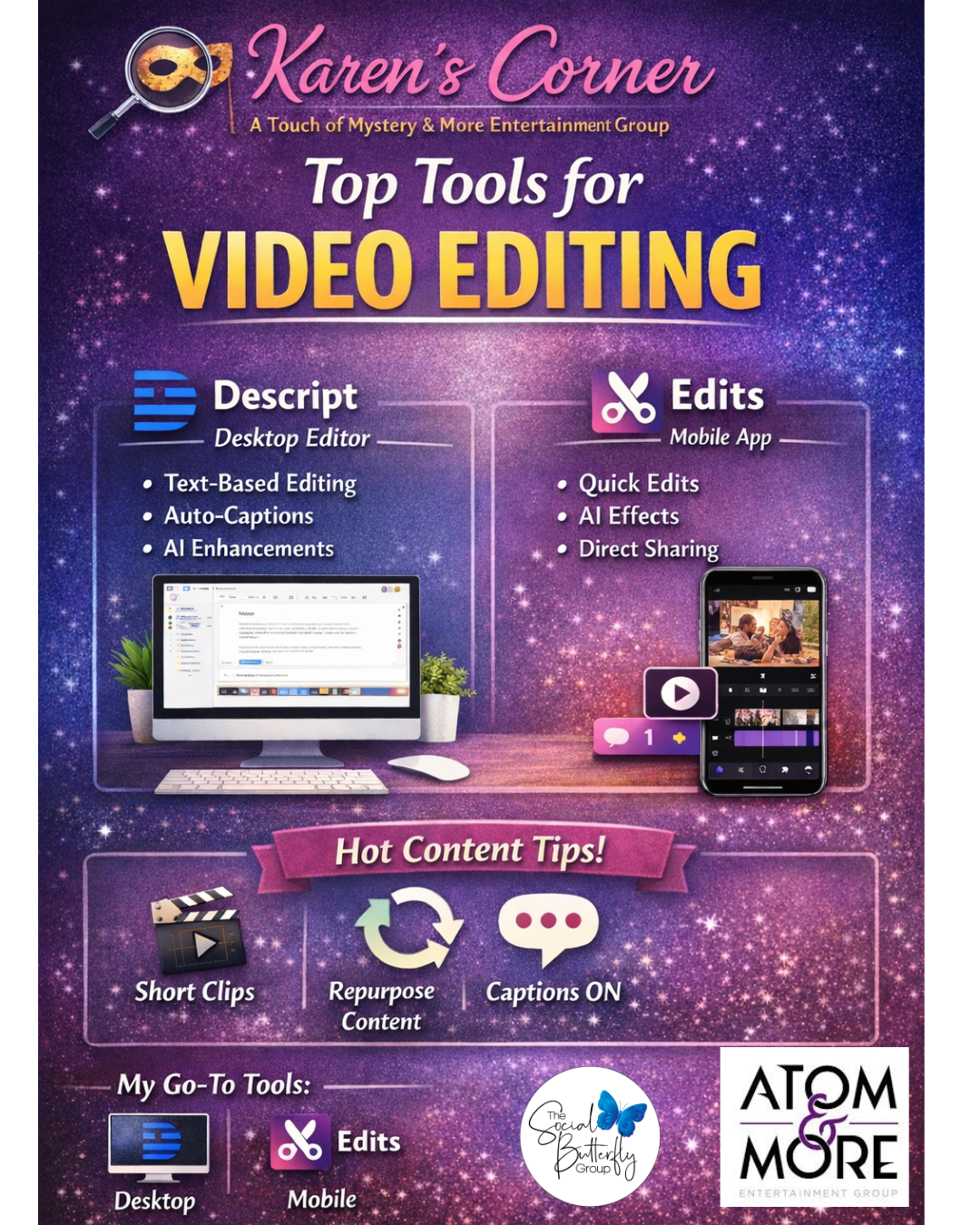
If you can edit a Word doc, you can edit video, that’s the magic of Descript, an AI-powered editing tool that simplifies media creation for interviews, presentations, podcasts, and social clips. Descript lets you work smarter (not harder!) so you spend more time creating and less time wrestling with software.
Why I Love Descript
- Text-based editing: Descript automatically transcribes your video/audio so you can cut and trim just by editing the text — delete a sentence, and the clip goes away too.
- Auto-captions & accessibility: Closed captions are a must for social media (most people watch on mute), and Descript generates these automatically.
- Bulk export: Want the same content in portrait for Reels and TikTok and square for Instagram feed? You can do it all in the same project.
- AI enhancements: From filler-word removal to sound leveling, Descript’s AI tools help you polish your content fast.
How to Get Started — Step by Step
- Create a project: Open Descript and upload your raw footage — it instantly transcribes your audio/video into editable text.
- Edit by editing text: Treat the transcript like a script — delete chunks to trim video, fix typos to refine captions, or rearrange paragraphs to reorder your content.
- Add visuals & sound: Drop in captions, background music, stock media, GIFs, or transitions from Descript’s library. I especially love the new layouts which I’m working on adding into my next videos.
- Export formats: Choose your aspect ratios and export optimized clips for TikTok, Reels, YouTube Shorts, LinkedIn, and beyond.
Descript is especially powerful for repurposing long interviews or presentation recordings into multiple short clips. It’s a game changer for busy creators looking to feed multiple platforms from a single source.
2. Edits: On-The-Go Mobile Magic
On the mobile front, Edits (Instagram’s new video editing app) is becoming a surprise favorite among creators. It’s built to rival CapCut and gives dedicated editors deep creative controls in a phone-friendly package. This includes AI animations from static images, green-screen effects, and project tools.
Why Edits Rocks
- Designed for creators: More than basic trimming, Edits includes effects, advanced timeline controls, and tools that rival standalone apps.
- Direct social sharing: Finished videos can be shared straight to Instagram and Facebook without extra exporting steps.
- No watermark, powerful extras: AI-powered animations, quick color fixes, and performance analytics help you refine content faster.
While Edits is still evolving (with keyframes and collaborative features on the way), it’s a fantastic companion for quick content edits when you’re on the go.
3. The #1 Type of Social Media Posts That Win
Across platforms, the most engaging content falls into a few clear categories:
⭐ Short, authentic clips
Bite-sized stories, tips, transformations, and highlights maintain attention and encourage shares.
⭐ Repurposed long-form content
Turn interviews, webinars, or presentations into multiple short social clips — it’s efficient and effective.
⭐ Captions ON
Because 85%+ of social video is watched without sound, captions aren’t optional — they’re essential.
Both Descript and Edits make captions simple, fast, and accurate.
My Go-To Tools for Video Editing
Desktop: 🖥️ Descript — For detailed edits, transcript workflows, bulk exports, captions, and AI polish works with OS and Windows.
Mobile: 📱 Edits — For nimble, feature-rich editing straight from your phone. Android and Apple.
These tools work in tandem. Descript gives you structure and power, while Edits lets you tweak and deliver on the fly.
Whether you’re a seasoned creator or just leveling up your social presence, mastering these tools will help you make cleaner, more engaging video content faster and easier than ever.
Got questions about a specific edit or idea? I’m here for it! Next up I’ll talk about carousels which are quickly becoming the next hot thing… even on LinkedIn! 🎙️📽️💫
— Karen